Login
How to log in
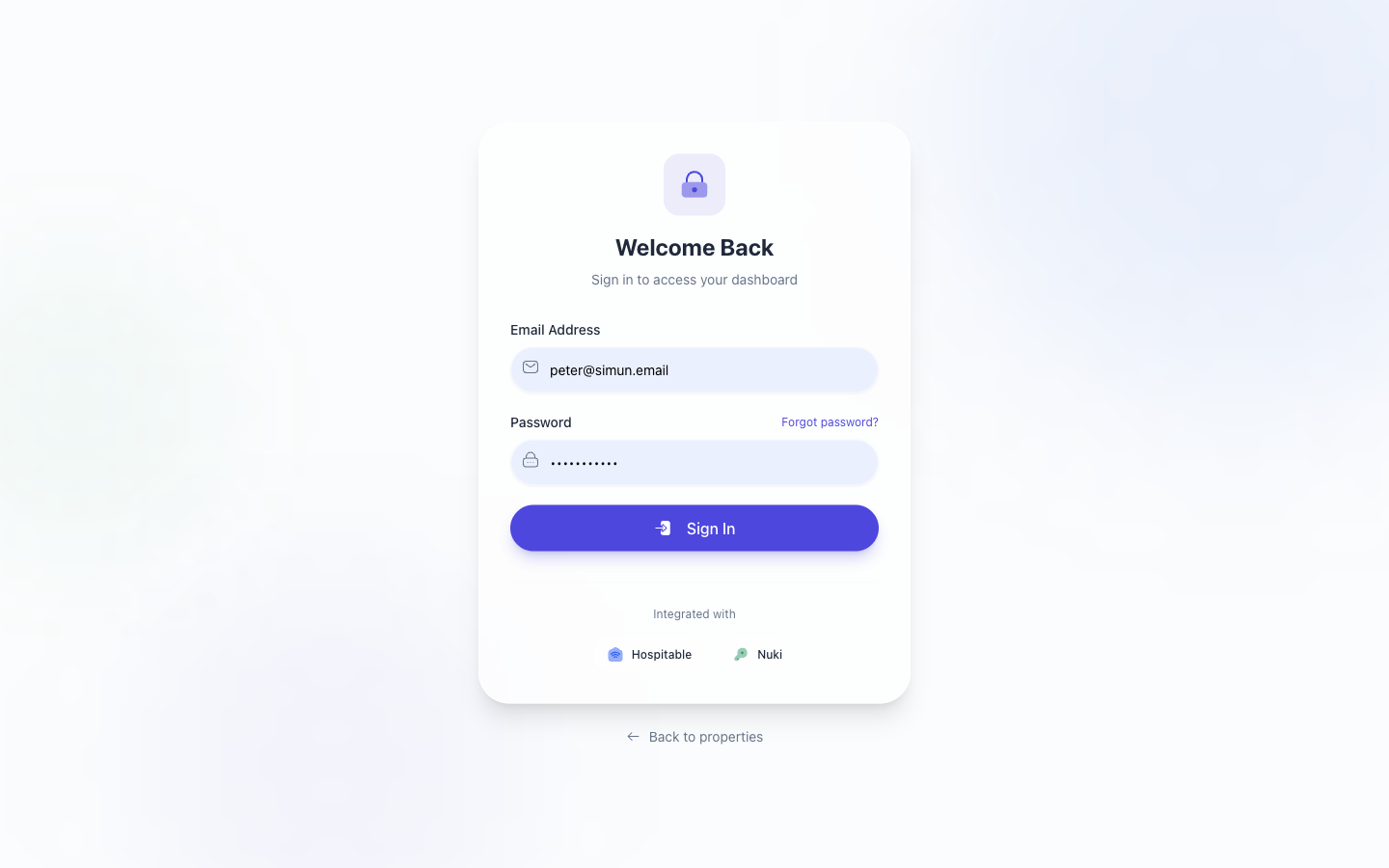
Open the app URL (production: https://flatsbratislava.com/) in any modern browser. You will land on the login screen.
Sign-in methods
- Email + password — the default for staff accounts. Enter your work email and the password your admin issued you.
- OAuth — if your admin enabled SSO for your tenant, the Continue with… button takes you through your identity provider.
What happens after login
You land on Pulse (/pulse) — the operator home screen. The session lasts until you sign out manually or the JWT expires. If your session expires mid-action, you'll be bounced back to login with a banner saying "Your session has ended, please sign in again."
Rate limiting
The login form is rate-limited to 5 attempts per IP per 10 minutes. If you hit the limit, wait it out — multiple browser tabs do not get separate budgets.
If you're running E2E tests against preprod you can bypass the limit with a header — see the developer reference in docs/ for details.
Forgot your password
There is no self-serve password reset yet. Contact your tenant admin; they can issue a new password through the admin user editor.
Unauthorized page
If your account is disabled or your role doesn't grant access to a specific route, you'll see this screen:
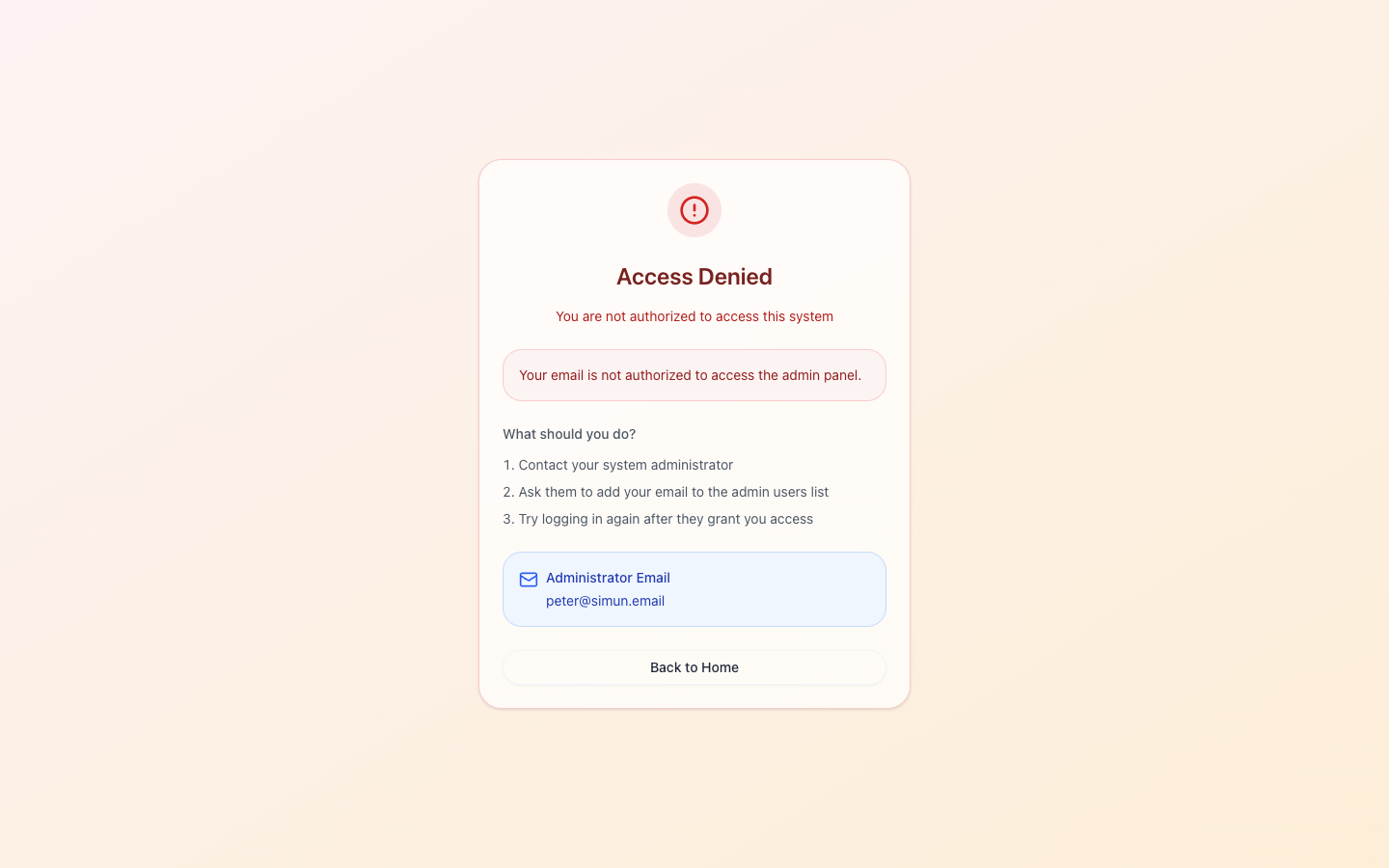
The fix is always either "have my admin re-grant the role" or "sign in to the correct tenant". The URL you tried to reach is shown so the admin knows what to grant.
Roles at a glance
| Role | Sees | Can change |
|---|---|---|
admin (tenant) |
Everything inside one tenant | Everything inside one tenant |
superadmin |
Everything across tenants, plus the tenant picker | Everything, plus tenant settings |
host |
Properties they're assigned to, tasks routed to them | Mark tasks done, reply to guests |
cleaner |
Their plán of upcoming cleanings |
Submit photos & status via WhatsApp |
viewer (read-only) |
A subset of reports | Nothing |
Role assignment lives under Team & Account → Edit Teammate — see Team & Access → Teammates.
Troubleshooting
- "Property not found" on every page — you're probably in the wrong tenant. Check the picker in the top-right.
- OAuth button does nothing — your tenant's OAuth client may not be configured. Have admin verify
OAUTH_SERVER_URLis set for your environment. - Login succeeds but Pulse is empty — likely no properties or reservations exist yet for your tenant. Start with Properties → Configuration.
Related issues
- #206 — preprod boot loop (env-startup guard) — fixed 2026-05-17, no operator-visible impact today.
- #209 — OAuth env on prod & preprod — fixed 2026-05-17.
- #179 — E2E rate-limit bypass for preprod.