Tasks
Manual Trigger
Sometimes you need to fire a task or template by hand: a cron-fired task was blocked and unblocked since; you want to re-test a template; you cancelled by mistake and need to re-seed.
Two surfaces
1. From a task card
The most common case. A task already exists, you just want to run its action now instead of at the scheduled time:
- Open the task (from Pulse, Operations Tasks, or reservation detail).
- Click Send now / Mark done (primary action button — label depends on the task type).
- The action runs immediately. The task moves to
done(orfailedif the action errors).
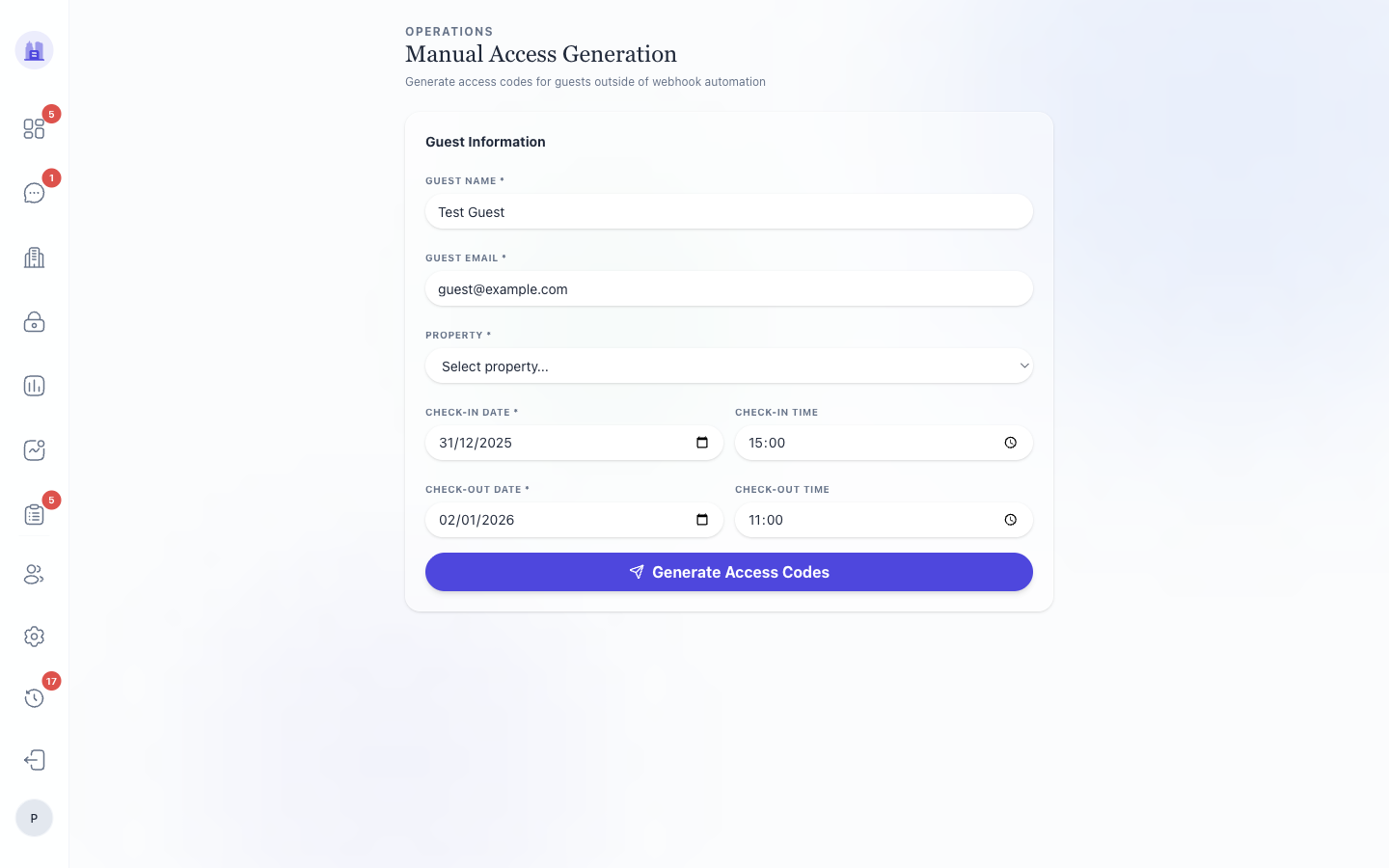
2. From the Manual Trigger page
When the task doesn't exist yet — usually because it was cancelled or the template hasn't been seeded for this reservation:
- Go to
/operations/manual-trigger(or use the Manual Trigger card on Pulse). - Pick a template from the dropdown.
- Pick a reservation (search by guest name, property, or reservation code).
- Dry-run — shows what task would be created without actually creating it. Use this when iterating on a template.
- Fire — creates the task and runs it (or schedules it for its rule-defined time).
When you'd use it
- A cancellation was a mistake — cancelled tasks aren't re-seeded by cron. Manual-trigger the template to re-create.
- Testing a new template — edit the template, dry-run-fire against a real reservation, check the output before going live.
- Recovering from an incident — e.g. a deploy dropped a cron run and a batch of tasks didn't fire. Manual-trigger to backfill (or use the retro-spawn scripts in
scripts/for bulk cases). - Demonstrating to an owner what we do — fire a thank-you template against a recent past reservation to show the message that gets sent.
⚠ Manual trigger is not dry-run by default. Firing immediately sends real messages, makes real Nuki calls, etc. Always pick Dry-run first when you're not 100% sure.
Dry-run output
Dry-run shows:
- The task name as it would be created
- The resolved action and its parameters (with
{{placeholders}}expanded) - The conditions that would be attached
- Any validation errors
If dry-run shows a validation error, fix the template before firing — see Task Templates → Editor.
Related issues
- #185 —
Add FAQ entrytemplate manual-trigger fixed (placeholder schema regression). - #153 — V28 editor's "save with allowDismiss only" validation surfacing.
Source: the FlatsBratislava operator manual.