Property Configuration
The Property Configuration page (/properties/<id>) is where everything about a property is defined — the data every other screen and the rules engine read from.
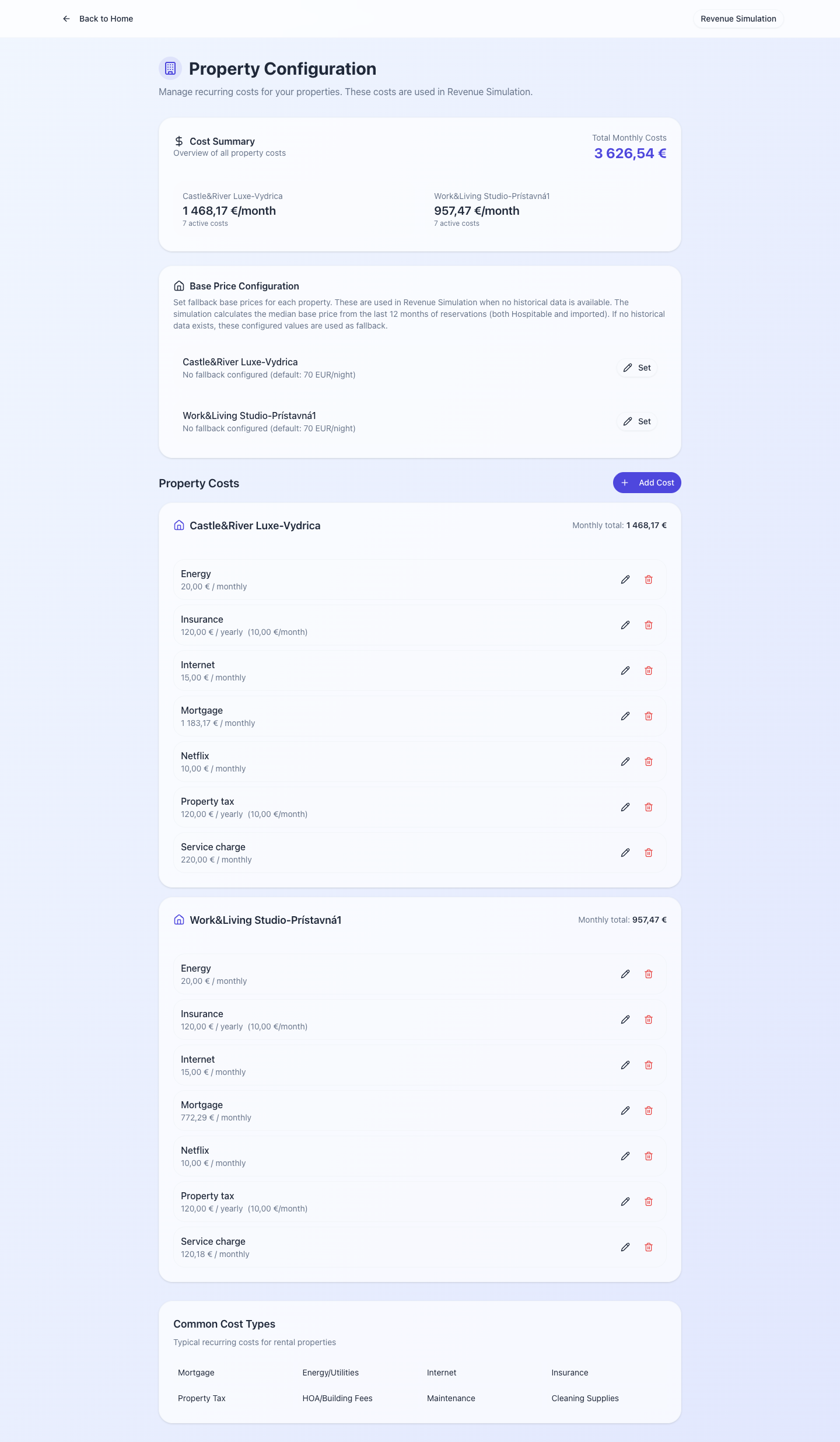
Sections of the editor
1. Basics
- Name — the human-readable label that appears in tasks, notifications, the guidebook.
- Address — the full street address. Used in the guidebook PDF and in WhatsApp arrival instructions.
- Channel — which booking source owns this listing (read-only after first sync).
- Status — active / archived.
2. Check-in / check-out window
checkInTime— default arrival window start, e.g.15:00.checkOutTime— default departure time, e.g.11:00.
These are the defaults the rules engine falls back to when a reservation doesn't carry its own earlyCheckinTime / lateCheckoutTime. Most task templates fire relative to these times — "Send pre-checkout reminder 2h before checkOut" will compute checkOut - 2h per-reservation.
3. Photos & guidebook
- Upload photos for the property. They appear in the per-reservation guidebook PDF.
- Edit the guidebook text per property (greeting, house rules, nearby restaurants, WiFi password, parking instructions).
4. Smart locks
- Link one or more Nuki locks (front door, apartment door, garage).
- Per-lock settings: name, lock ID. See Smart Locks for the full integration.
5. Pricing inputs
- Base rate per night
- Cleaning fee
- Owner share % (for the payout report)
- Tax rate (for city-tax reporting)
These feed into Revenue Simulation and the Payout Report.
6. Teammate assignments
Which hosts and cleaners are responsible for this property. Tasks generated for this property route to teammates assigned here — by role (a task for the cleaner role routes to all cleaners assigned to this property).
Saving changes
The editor saves on Save (top-right). Some fields are validated on save (e.g. address format, Nuki lock ID exists). Validation errors appear inline above the field.
Bulk editing
For property-wide changes (e.g. bumping every base rate by 5%, rolling out a new cleaning fee), open Property Manager at /property-manager.
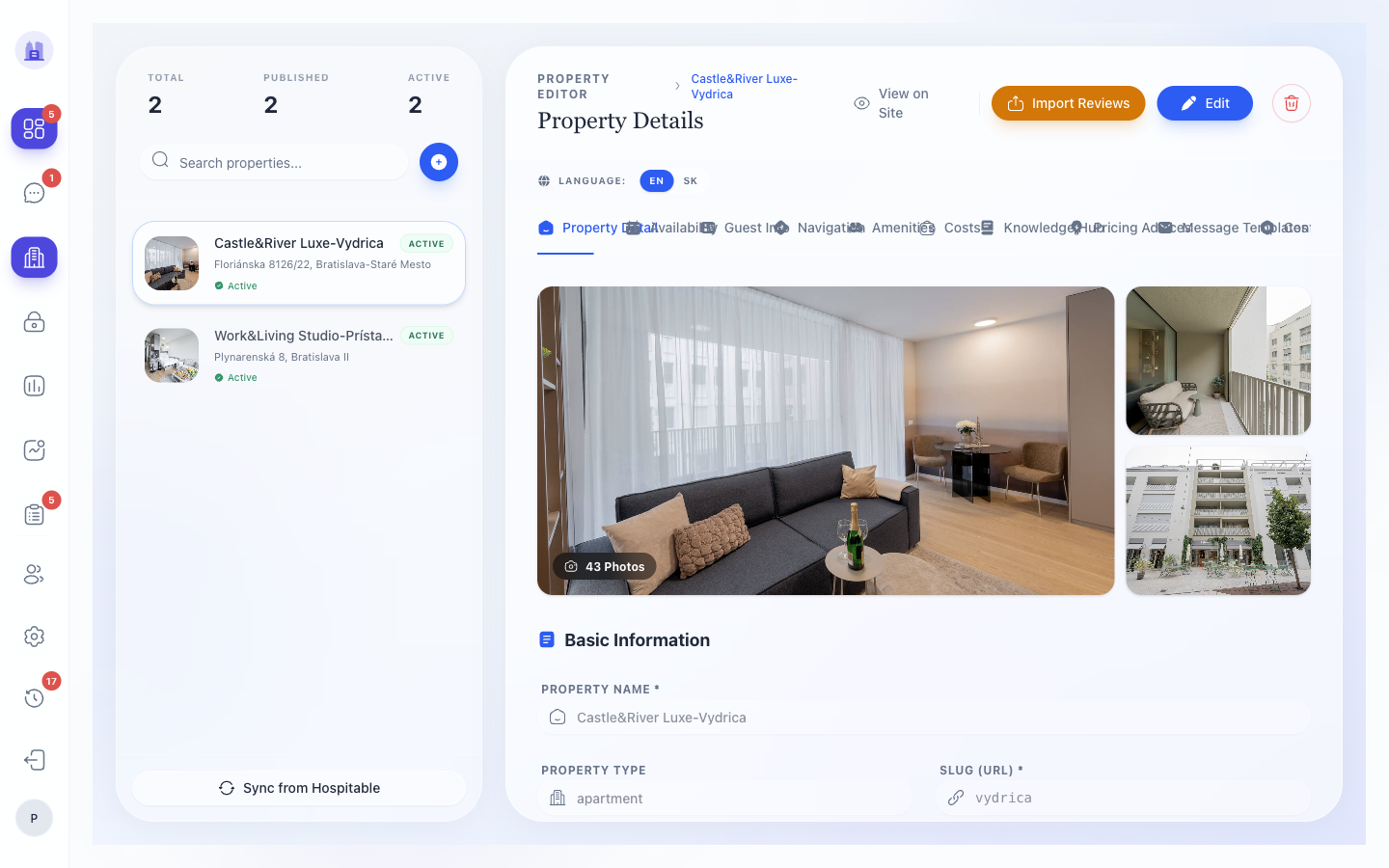
Property Manager is a table editor — every property on one screen, every column editable in place. Changes are saved per cell on blur (no batch save). Use it for operational sweeps, not first-time onboarding.
Related issues
- #137 —
propertyNameNULL data fix. - #260 — canonical guest-row selection (relates to PIN delivery, not property config directly, but is the most-common downstream symptom).