Properties
Smart Locks (Nuki)
The platform integrates with Nuki smart locks to generate per-stay PIN codes for guests and persistent codes for teammates.
How it works
Per-stay guest PIN
- A reservation is created via Hospitable webhook.
- The Generate access code task fires (typically a few hours before check-in, configurable in the task template).
- The task calls the Nuki API to provision a new PIN code valid for the guest's stay (check-in 00:00 → check-out 23:59 by default).
- The PIN is written to the reservation's canonical guest row (
guests.nukiAccessCode). - The Send Check-in task — when fired — reads
{{guest.nukiAccessCode}}and includes it in the message to the guest.
Per-teammate persistent code
Each teammate (host, cleaner) has a persistent Nuki PIN valid as long as their role lasts. See Team & Access → Access Codes.
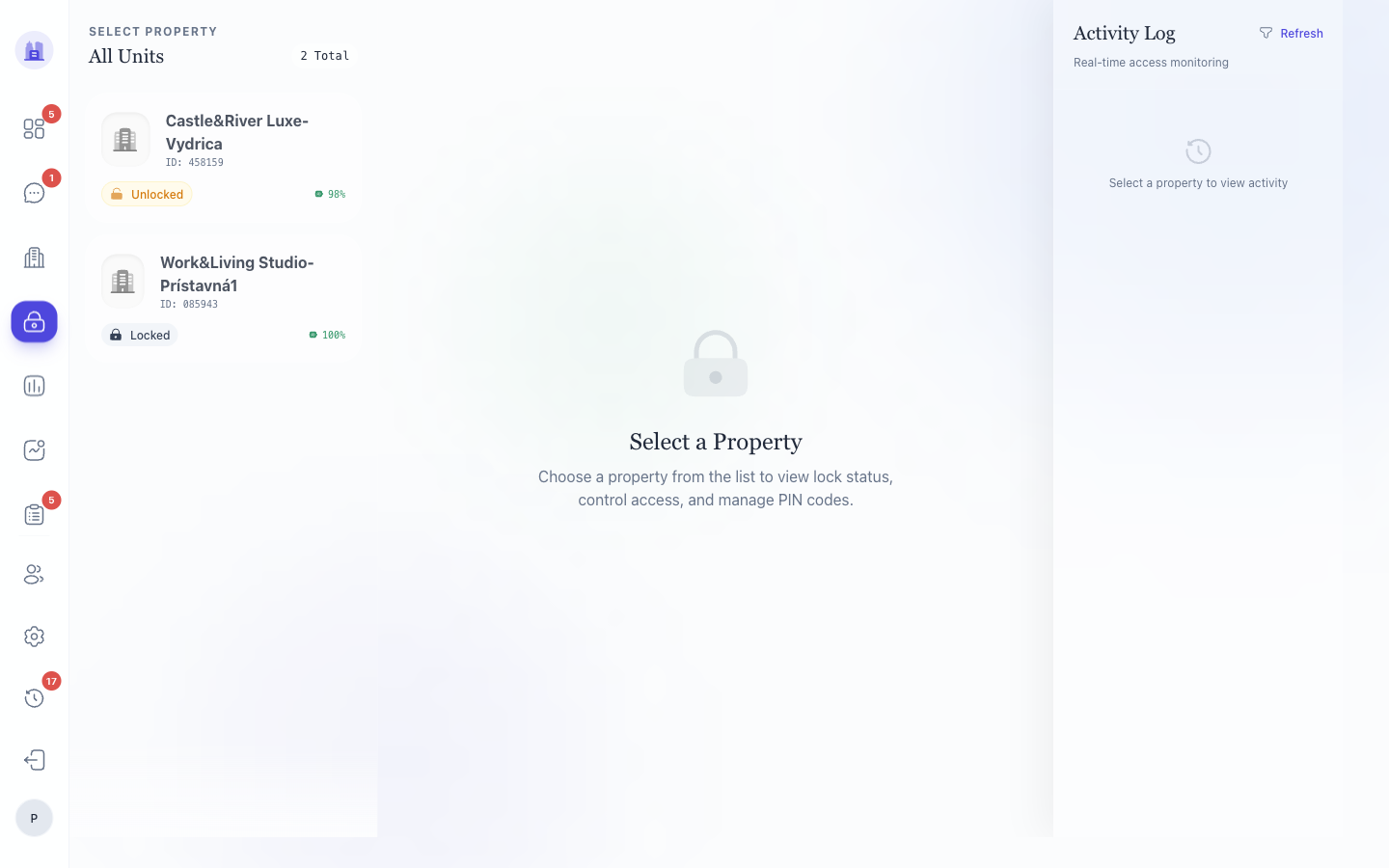
The Smart Lock page (/smart-lock)
This page shows a property's current state:
- Active codes — every PIN currently valid on the lock, with the holder (guest name + reservation ID, or teammate name + role) and expiry.
- Recent activity log — every lock action in the last N days (PIN entered, lock manually opened from app, code added/revoked).
- Manual code panel — issue a one-off code (e.g. for a maintenance visit) and revoke it later.
Common operations
Add a maintenance code
- Open the property's Smart Lock page.
- Click Add manual code.
- Enter the holder's name, validity window, and (optionally) a custom PIN.
- Save. The PIN appears in Active codes immediately and is callable via the Nuki app within a minute.
Revoke a code
In Active codes, click the Revoke button for the row. The PIN is removed from the lock within ~1 minute.
⚠ Revoking a teammate's persistent code from this page does NOT update the teammate record — the teammate editor still shows the old code. For a clean teardown, revoke from the Team & Account editor instead, which calls both Nuki and the teammate update path. See #166.
A guest reports the PIN doesn't work
Possible causes, in order of likelihood:
- Wrong canonical guest row — multiple guest rows for the same reservation; the PIN was provisioned on a different row than the one the message read from. Fixed in #260 — the canonical-row picker now prefers rows with populated codes. If you suspect this, check Smart Lock → Active codes for the reservation: if a PIN exists there, the guest's message just has the wrong one — resend.
- PIN not yet active — Nuki PINs are only valid within their start/end window. If the guest is early, the lock will reject.
- PIN was revoked — check the activity log.
- Lock offline — Nuki Bridge lost WiFi; the lock falls back to local PIN cache but can't accept new codes until reconnected.
Limits
- 6-digit PINs only — Nuki spec.
- Max ~200 active codes per lock — purge old codes periodically. The system auto-removes expired guest PINs nightly.
Related issues
- #260 — canonical guest-row selection; the most common cause of "PIN doesn't work" false-positives.
- #166 — removing teammate access code now revokes the Nuki PIN (not yet end-to-end; see ticket).
Source: the FlatsBratislava operator manual.