Reports
Payout Report
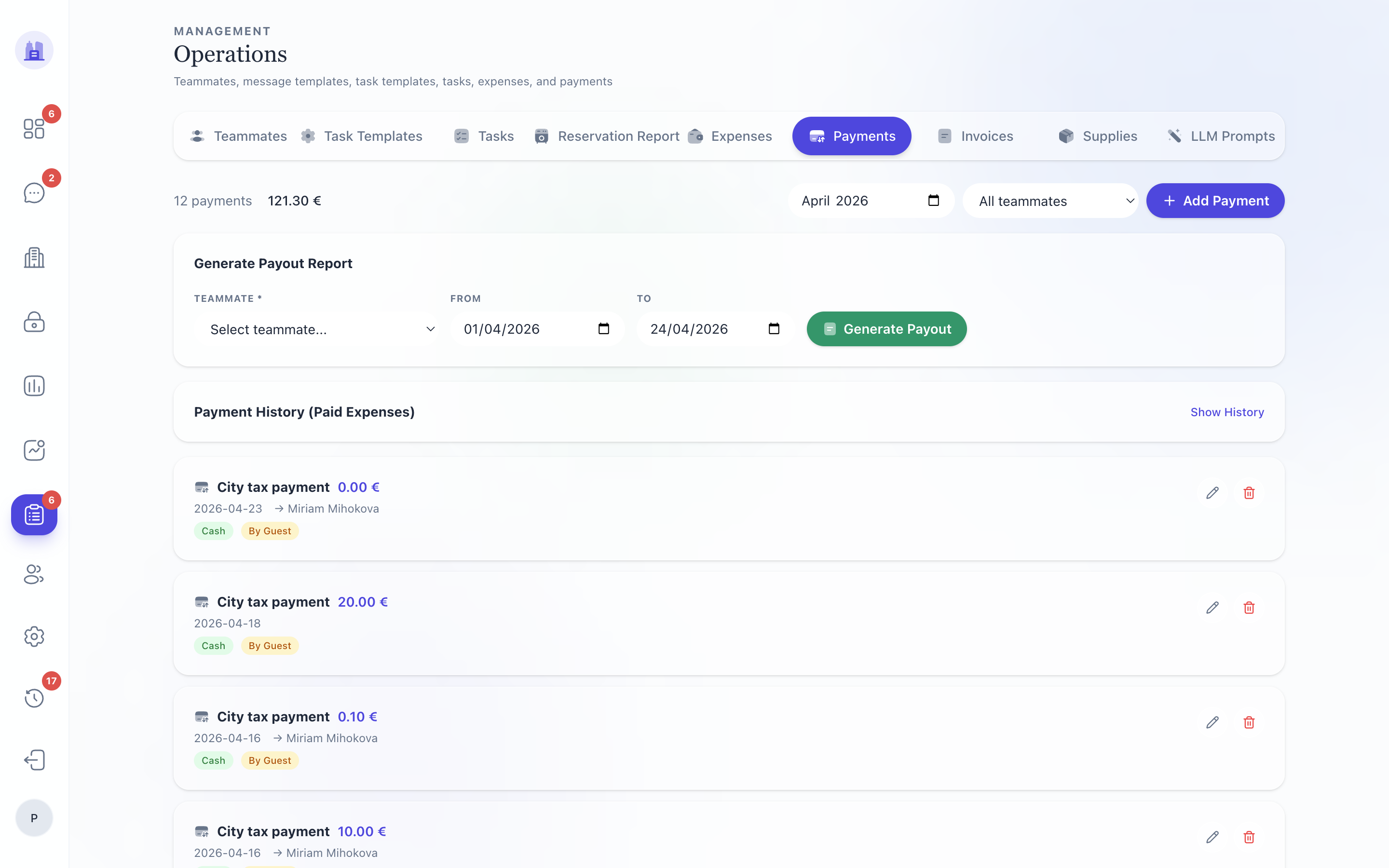
The Payout Report tracks what's owed to property owners and what's been paid. For multi-owner tenants this is the monthly settle-up worksheet.
Columns
| Column | Notes |
|---|---|
| Owner | Owner name |
| Property | Property name |
| Period | The booking window (typically a month) |
| Bookings | Number of stays in the period |
| Owner share | Configured ownerShare% × Net revenue |
| Cleaning | Cleaning fees owed |
| Adjustments | Manual one-off adjustments |
| Owed | Total owed for the period |
| Status | unpaid / paid / partial |
| Action | Mark N paid bulk action |
Filters
- From / To — payout-due date range. After #213 these inputs are wired correctly; before the fix, From/To were dead UI on the V28 page and any Mark N paid action would have applied to ALL unpaid records, all-time. Always confirm the date range matches your intended scope before marking.
- Owner — restrict to one owner
- Property — restrict to one property
- Status — show unpaid only, paid only, etc.
Marking payouts as paid
- Apply your date range.
- Select the rows you want to mark paid (checkbox per row, or Select all in view).
- Click Mark N paid.
- Confirmation modal shows the total amount and recipients.
- Confirm. The records flip to
paidwith today's date; an entry is added to the audit log.
⚠ Mark paid is one-way unless you have superadmin permission to reverse via the legacy editor. Double-check before confirming.
Adjustments
To add a one-off adjustment (deduct a deposit refund, add a credit, fix a manual reconciliation):
- Open the owner's row → Add adjustment.
- Enter amount, reason, period.
- Save. The adjustment appears in the Adjustments column and is reflected in Owed.
Related issues
- #213 — V28 Payout Report date filter wired; prevents catastrophic Mark-N-Paid mis-fire.
- #161 — V28 Reports completeness vs legacy
/metrics.
Source: the FlatsBratislava operator manual.