Reports
Reservation Report
The Reservation Report (/v28/reports/reservations) is the operator-friendly table of every reservation. It's the screen you'll use to answer "what's happening this week?" and "how many bookings did property X take this month?".
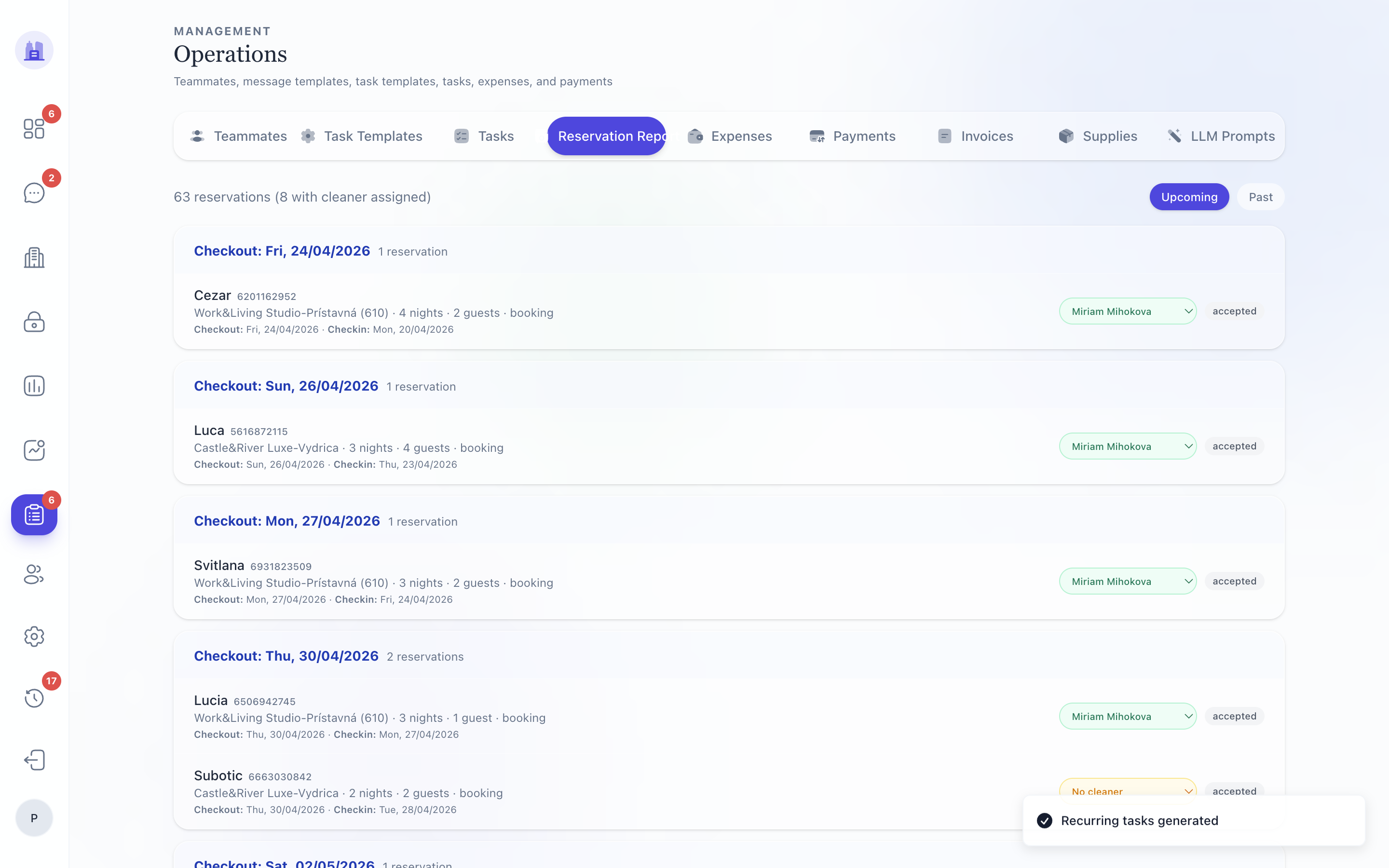
Columns
| Column | Notes |
|---|---|
| Date | Check-in date |
| Property | Property name (links to property page) |
| Guest | Guest name |
| Nights | Stay length |
| Channel | Airbnb / Booking / direct |
| Revenue | Gross |
| Cleaning | Cleaning fee |
| Net | After channel fees |
| Owner share | % × Net |
| Status | Reservation status |
| Tasks | Open task count for this reservation |
Filters
- From / To — by check-in date
- Property — one or many
- Channel — Airbnb / Booking / direct
- Status — confirmed / cancelled / checked-in / etc.
The Reservation Report respects all filters consistently — unlike the V28 Payout Report pre-#213, the date inputs are not dead UI here.
Opening a reservation
Click any row to open the per-reservation detail page. From there:
- See the live task list for this reservation.
- See the message thread.
- Trigger Send Check-in manually.
- Override
earlyCheckinTime/lateCheckoutTime.
Related issues
- #161 — V28 Reports completeness.
- #213 — date filter wiring (Payout Report, but the pattern is shared across V28 reports).
Source: the FlatsBratislava operator manual.