V28 Smart Locks screen overhaul
The V28 Smart Locks screen was overhauled in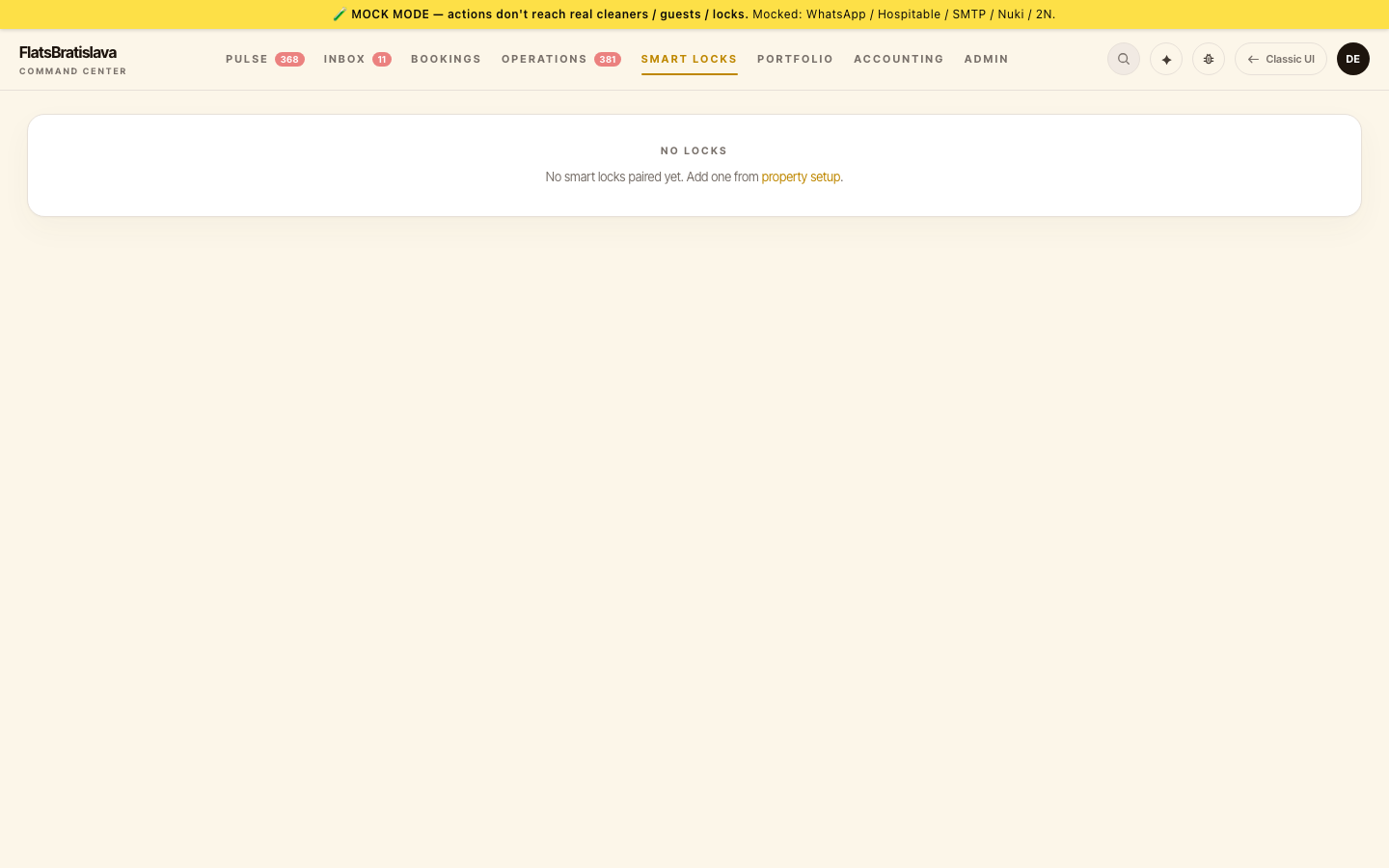
Integration-aware tabs
Each property's Smart Locks detail view now shows tabs scoped to the property's integration:
- Nuki-only property → tabs:
Lock Control/Codes/Activity Log/Charging/2N QRshown but disabled. - 2N + Nuki property → all tabs enabled.
- Property with no lock integration → the screen shows a setup prompt instead of empty tabs.
2N QR tabs appear only on properties that actually have a 2N intercom configured.
Activity log redesign
Now merges into ONE unified log per property:
- Nuki lock events (unlock, lock, activity via webhook)
- 2N intercom events
- Admin actions (code create, code revoke)
- Automation actions (auto-provision, auto-revoke)
- Lock faults — previously invisible; the Errors filter was dead. Now
nuki_failure_alertsmerges into the feed with a⚠ faultchip.
Filter chips at the top: All / Access / Admin / Automation / Faults.
Charging tab
Charging history is:
- Merged with activity log — battery events show inline in the main feed.
- Filter-scoped — the Charging tab pre-filters to battery events.
- V28-native panel — replaced the embedded legacy ChargeHistorySection with a V28-styled panel (finally closes.
Multi-lock status
Some properties have multiple locks (main door + garage). The Smart Locks card now shows per-lock status:
Vydrica · main door: LOCKED (95%) · garage: OFFLINE
Faults chip in activity log
Any lock failure — invalid PIN attempt, 5xx from the Nuki API, timeout, wrong-fingerprint — surfaces as ⚠ fault in the activity log with the reason. Operator can filter to see fault-only history.
Fault notifications carry a distinct label per fault type (invalid PIN, API error, timeout) rather than a generic header.